Embark on the ultimate quest to craft your perfect custom built gaming desktop PC, a journey that promises unparalleled performance and value. For busy US gamers, averaging 36 years old and dedicating 10 plus hours weekly to their passion, balancing life and play is crucial. This comprehensive guide cuts through the hype, offering practical, actionable advice to help you design a rig that supports your relaxation, skill-building, and social gaming needs without breaking the bank or requiring a computer science degree. We address common pain points like hardware compatibility, budget-friendly upgrades, optimizing for trending social and cozy games, and ensuring your setup is future-proof. Discover how a custom built gaming desktop PC can elevate your experience, from seamless 4K gaming to lag-free streaming, making every gaming session count. Whether you are upgrading an older system or building from scratch, this resource provides the essential information to make informed decisions and transform your gaming setup into a personalized powerhouse. Learn to navigate component choices, understand performance benchmarks, and build a machine tailored exactly to your gaming habits and lifestyle, ensuring maximum fun and efficiency.
Q: What is the main advantage of a custom built gaming desktop PC over a console?
A: A custom built gaming desktop PC offers unparalleled flexibility, upgradeability, and often superior graphical fidelity and frame rates compared to consoles. You have access to a broader game library, including PC-exclusive titles and modding communities, alongside the ability to use it for productivity tasks. Unlike consoles with fixed hardware, a custom PC can be incrementally upgraded, extending its lifespan and performance.
Q: How do I ensure all my custom PC parts are compatible?
A: Ensuring compatibility for your custom built gaming desktop PC is crucial. Start by choosing your CPU and then select a motherboard with the correct socket (e.g., LGA 1700 for Intel 12th/13th/14th Gen or AM5 for AMD Ryzen 7000 series). Next, pick RAM that is compatible with your motherboard's supported DDR generation (e.g., DDR5) and speed. Use a tool like PCPartPicker.com; it automatically flags most compatibility issues, saving you significant hassle.
Q: What are the essential tools I need for building my own custom gaming PC?
A: Building a custom built gaming desktop PC requires surprisingly few specialized tools. You will primarily need a magnetic Phillips head screwdriver (size #2 is most common), zip ties or Velcro straps for cable management, and potentially anti-static wrist strap to protect components from static discharge. A clean, spacious work area and good lighting are also highly recommended for a smooth building process.
Q: How important is cooling in a custom built gaming PC?
A: Cooling is extremely important for a custom built gaming desktop PC. Insufficient cooling leads to thermal throttling, where components like your CPU and GPU reduce their performance to prevent overheating, directly impacting your in-game frame rates and overall system stability. Proper cooling, whether air or liquid, ensures your components run at optimal temperatures, maintaining peak performance and extending their lifespan, especially during long gaming sessions.
Q: Can a custom built gaming PC also be used for work or content creation?
A: Absolutely. One of the greatest strengths of a custom built gaming desktop PC is its versatility. By selecting a CPU with high core counts and sufficient RAM, your gaming rig doubles as a powerful workstation for video editing, graphic design, streaming, or programming. Many components optimized for gaming (like powerful GPUs) also excel in content creation tasks, making it a smart, multi-purpose investment for balancing life and play.
Q: What is the benefit of an SSD over an HDD for a custom gaming PC?
A: For a custom built gaming desktop PC, the benefit of an SSD (Solid State Drive) over an HDD (Hard Disk Drive) is primarily speed. SSDs offer dramatically faster boot times, application loading, and game level loading. This translates to a much snappier and more responsive user experience. While HDDs are cheaper for mass storage, an SSD for your operating system and frequently played games is essential for modern gaming performance and overall system responsiveness.
Q: Are custom built gaming PCs typically louder than pre-built systems?
A: Not necessarily. A well-planned custom built gaming desktop PC can often be quieter than a pre-built system. Builders can choose high-quality, quiet fans and CPU coolers, and optimize fan curves for acoustics and temperature. Pre-builts sometimes use cheaper, louder fans or less effective cooling solutions. With careful component selection and proper cable management for airflow, a custom PC can offer a significantly quieter gaming experience.
Are you a gamer who loves diving into epic worlds or challenging friends online, but finds yourself constantly battling sluggish frame rates, frustrating load times, or the nagging feeling that your current setup just is not keeping up? You are not alone. For many US gamers, particularly those around the age of 36, gaming is a vital escape, a way to relax, build skills, and connect with friends. Yet, balancing a career, family, and life often means limited time and a strong need for an efficient, reliable, and powerful machine. You want performance optimization and value for money, not endless hype. This is where a custom built gaming desktop PC truly shines, offering a tailored solution to common pain points like setup woes, performance bottlenecks, and the never-ending hardware upgrade dilemma. With 87 percent of US gamers regularly engaging with their hobby, often for 10 or more hours a week, and social gaming dominating trends, a PC built to your exact needs is not just a luxury; it is a necessity for maximizing your precious gaming moments.
Forget the one-size-fits-all approach. This guide will walk you through everything you need to know about creating your ideal custom built gaming desktop PC. We will tackle the crucial questions, debunk myths, and provide practical, no-nonsense advice to help you construct a rig that fits your lifestyle, your budget, and your gaming ambitions. From choosing the right components to future-proofing your investment, prepare to unlock a gaming experience that is truly yours, empowering you to game smarter, not harder.
Why Choose a Custom Built Gaming Desktop PC Over a Pre-Built One?
Choosing a custom built gaming desktop PC means gaining control, optimization, and often, better value. Pre-built systems, while convenient, often cut corners on crucial components like power supplies or cooling, leading to compromises in performance or longevity. When you build your own, you hand-pick every part, ensuring compatibility, quality, and a perfect match for your specific gaming habits and budget. For example, if you primarily play CPU-intensive strategy games or stream extensively, you can prioritize a more powerful processor. If you are into visually stunning AAA titles, you can allocate more budget to a high-end graphics card. This precision ensures you are not paying for features you do not need, and you are getting top-tier performance where it matters most to you, making your investment stretch further.
What Key Components Make Up a Custom Gaming Desktop PC?
Building a custom built gaming desktop PC involves carefully selecting several core components, each playing a vital role in its overall performance:
CPU (Central Processing Unit): The 'brain' of your PC. Intel Core i5/i7/i9 or AMD Ryzen 5/7/9 series are popular choices, with higher numbers generally indicating more power. Consider core count and clock speed based on your primary use cases like gaming, streaming, or video editing.
GPU (Graphics Processing Unit): The 'heart' for gaming, rendering all the visuals. NVIDIA GeForce RTX 40-series or AMD Radeon RX 7000-series are current leaders. This is often the most expensive component and where you will see the biggest impact on in-game performance.
Motherboard: Connects all components. Ensure it is compatible with your chosen CPU and RAM, and has enough slots for future upgrades like additional storage or peripherals.
RAM (Random Access Memory): Temporarily stores data for quick access. 16GB is the current standard for most gaming, with 32GB becoming increasingly popular for heavy multitasking or future-proofing. Look for DDR5 for the latest performance.
Storage (SSD/HDD): SSDs (Solid State Drives), particularly NVMe M.2 drives, offer blazing fast load times for your operating system and games. HDDs (Hard Disk Drives) are still good for bulk storage of media or less frequently played games due to their lower cost per gigabyte.
PSU (Power Supply Unit): Provides power to all components. Do not skimp here! Choose a reputable brand and ensure it has enough wattage to support your components, plus some headroom for future upgrades. An 80 PLUS rating indicates efficiency.
Case: Houses everything. Consider airflow, size, aesthetics, and ease of building. Good airflow is critical for keeping components cool and preventing performance throttling.
Cooling (CPU Cooler): Keeps your CPU from overheating. Air coolers are effective and budget-friendly, while AIO (All-in-One) liquid coolers offer superior performance and aesthetics, especially for high-end CPUs or overclocking.
How Much Does a Custom Built Gaming PC Cost in 2026?
The cost of a custom built gaming desktop PC can vary wildly depending on your performance goals. In 2026, you can generally expect to spend:
Entry-Level (1080p gaming, medium settings): $700 - $1000. Perfect for casual gamers or those on a tight budget who primarily play esports titles or older games. You can still enjoy popular free-to-play titles and cozy games.
Mid-Range (1080p/1440p gaming, high settings): $1200 - $1800. This is the sweet spot for many, offering excellent performance for most new AAA titles at 1440p and high refresh rates at 1080p. It is a solid balance of power and value.
High-End (1440p/4K gaming, ultra settings): $2000 - $3500+. For enthusiasts seeking the best possible visuals, high refresh rates at 4K, or robust streaming/content creation capabilities. This tier often involves the latest GPUs and CPUs.
Enthusiast/Workstation (4K gaming, extreme multitasking, VR): $4000+. These are no-compromise builds featuring top-tier components, custom liquid cooling, and often designed for specific professional workloads alongside gaming. VR experiments and next-gen titles shine here.
Remember, component prices fluctuate, so always check current market rates. Keep an eye out for sales, especially around major holidays, to optimize your budget.
Can an Average Gamer with Limited Time Actually Build Their Own PC?
Absolutely! The idea of building a custom built gaming desktop PC might seem daunting, but it is far more accessible than it used to be. Modern components are designed for easier installation, and countless online tutorials (including video guides from reputable tech channels) walk you through every step. For busy adults, it is about setting aside dedicated time, perhaps a weekend afternoon, and taking it slow. The satisfaction of powering on a machine you built yourself is immense, and it gives you a deeper understanding of your system for future troubleshooting or upgrades. Plus, many find the building process itself to be a relaxing, skill-building activity. Think of it as adult LEGOs, but with better graphics.
How Do I Pick Components to Maximize Value for My Budget?
Maximizing value for your custom built gaming desktop PC budget means smart allocation. The general rule of thumb is to dedicate the largest portion of your budget to the GPU, as it has the most significant impact on gaming performance. After that, focus on a capable CPU that will not bottleneck your GPU, a fast SSD for your OS and main games, and at least 16GB of fast RAM. Here are some tips:
Prioritize GPU: Aim for about 30-40 percent of your budget here.
Balanced CPU: Spend 15-25 percent on a CPU that complements your GPU, avoiding extreme overspending or underspending.
Fast Storage: An NVMe SSD for your primary drive is non-negotiable for snappy performance. A smaller SSD for the OS and a larger HDD for game library storage can save money.
Adequate PSU: Do not cheap out! A reliable PSU protects your components. Calculate your estimated wattage and add 100-200W for headroom.
Motherboard: Get what you need, not necessarily the most expensive. Ensure it supports your chosen CPU, RAM, and has enough USB ports for your peripherals and future expansion.
Cooling: Stock CPU coolers can work for entry-level CPUs, but a decent aftermarket air cooler provides better temps and acoustics without breaking the bank.
Always check reviews and benchmarks for specific component pairings to ensure they work well together.
What About Future Upgrades and Staying Current Without Hype?
Future-proofing a custom built gaming desktop PC is less about buying the most expensive component today and more about smart planning. When selecting your motherboard, choose one with a compatible CPU socket for upcoming generations or one that supports a wider range of current CPUs in that generation. Opt for a PSU with higher wattage than immediately needed (e.g., 750W for a system that draws 500W) to accommodate a more powerful GPU down the line. Select a case with good airflow and room for larger components or additional fans. RAM and storage are typically the easiest components to upgrade, so start with sufficient amounts (16GB RAM, 1TB SSD) and expand as needed. Avoid getting swept up in every new release; incremental upgrades every 2-4 years usually offer the best value for performance gains. Focus on what enhances *your* specific gaming experience and workflow.
How Can a Custom PC Help Balance Gaming with Life and Social Play?
A custom built gaming desktop PC tailored to your needs is a powerful tool for balancing gaming with life. Its optimized performance means less time troubleshooting and more time playing. Faster load times mean you can jump into a quick game session during a short break. Reliable performance ensures your valuable gaming time is spent enjoying the game, not battling lag or crashes. For social gamers, who make up a significant portion of the US gaming community, a custom PC allows for seamless cross-play experiences with friends on console or mobile, robust streaming capabilities for Discord or Twitch, and the power to run demanding social hubs or VR titles without a hitch. It is about creating a system that supports your desired lifestyle, allowing you to easily switch between work, family, and your favorite digital escapes, making every moment count.
Where Should I Source Parts for My Custom Built Gaming PC?
For your custom built gaming desktop PC, reliable part sourcing is key. Major online retailers like Amazon, Newegg, and Best Buy are primary options for a wide selection and competitive pricing. Sites like Micro Center are excellent if you have a physical store nearby, often offering CPU/motherboard bundles. For deals, keep an eye on r/buildapcsales or PCPartPicker's price tracking. Always check seller reputation and return policies. Buying directly from manufacturer websites (e.g., NVIDIA, AMD, Corsair) can also be an option for specific components. Consider buying refurbished parts from reputable sellers for non-critical components like cases or storage to save money, but exercise caution with GPUs or PSUs.
Ultimately, a custom built gaming desktop PC is more than just a collection of parts; it is a personalized gateway to your gaming passions. It empowers you to maximize your enjoyment, optimize your performance, and stay connected with your gaming community, all while respecting your valuable time and budget. The journey of building your own PC might seem challenging at first, but the rewards—a system perfectly tuned to your needs and the satisfaction of having built it yourself—are immeasurable.
FAQ Section
What is the ideal RAM for modern gaming?
For most modern gaming on a custom built gaming desktop PC, 16GB of DDR4 or DDR5 RAM is the current sweet spot. If you multitask heavily, stream, or play very demanding titles, upgrading to 32GB can provide a noticeable performance boost and better future-proofing.
Is liquid cooling necessary for a custom gaming PC?
No, liquid cooling is not strictly necessary for every custom built gaming desktop PC. High-quality air coolers are very effective for most CPUs, even for some overclocking, and are often more budget-friendly and less complex. Liquid cooling (AIOs) becomes more beneficial for top-tier, high-TDP CPUs, extreme overclocking, or aesthetic preferences.
How often should I upgrade my custom built gaming PC?
The upgrade cycle for a custom built gaming desktop PC varies. Major component upgrades like the GPU or CPU are typically beneficial every 2-4 years, depending on your performance expectations and how demanding new games become. Smaller upgrades like RAM or storage can be done more frequently as needed.
Can I use my old monitor with a new custom gaming PC?
Yes, you can typically use your old monitor with a new custom built gaming desktop PC, assuming it has compatible display inputs (HDMI, DisplayPort). However, to fully appreciate your new PC's performance, especially if you have a powerful GPU, consider upgrading to a high-refresh-rate monitor that matches your PC's capabilities.
Is it hard to install an operating system on a custom built PC?
Installing an operating system like Windows on a custom built gaming desktop PC is quite straightforward. You will need a USB drive with the OS installer and a valid product key. The process is guided and user-friendly, mostly involving following on-screen prompts after booting from the USB drive.
What's your biggest gaming challenge with your current setup? Comment below and let us help you overcome it!
Personalized Gaming Performance, Budget Optimized Builds, Future Proofing Your PC, Balancing Gaming Life, Component Selection Guide, Setup Troubleshooting, Social Gaming Experience
35


Best Gaming PC Builds For 2026 Best Gaming PC Builds For 2026.webp. Prebuilt Gaming PCs Ready To Ship Gaming Rigs For Every Budget AWD AWD 6 . Top 10 Best Desktop Computers 2026 For Home Office And Work Lenovo Legion Tower 7i 2026 High Performance Desktop Computer With RGB Lighting Featured In. The Ultimate Gaming PC Build 2026 Guide By Xidax 1 Unnamed . The Best Gaming PC Builds For 2026 Top Picks And Reviews Best Pc Build

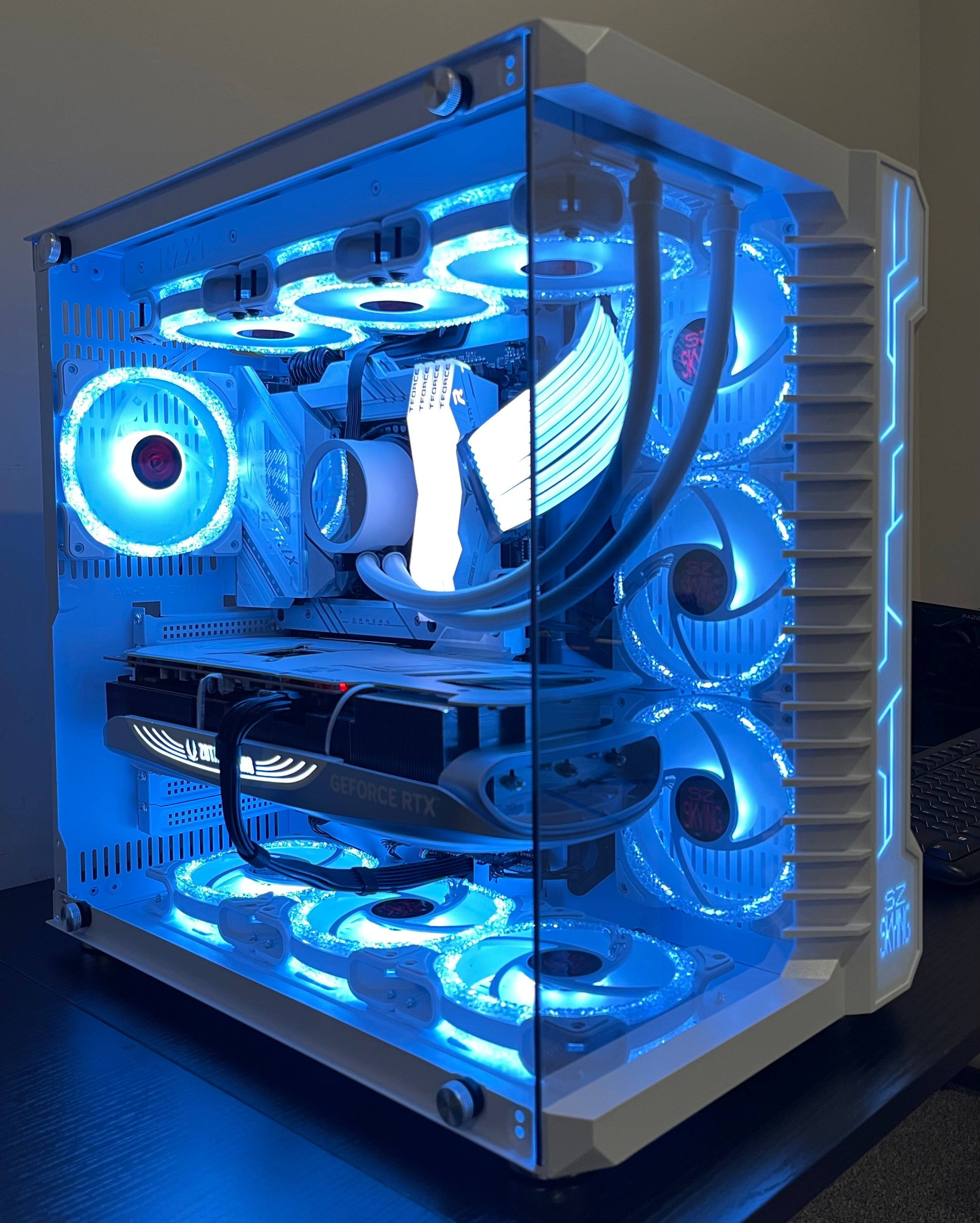


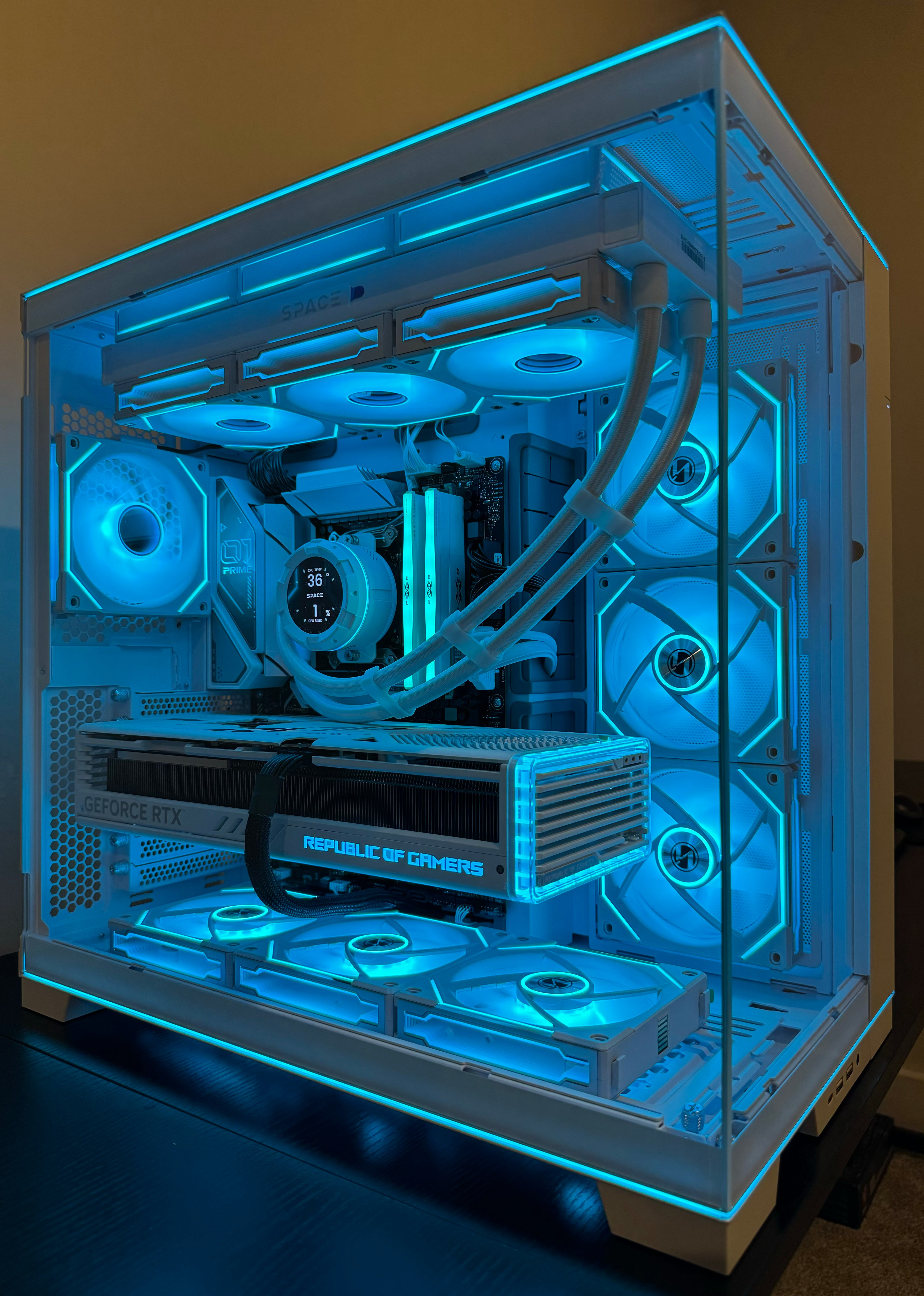
Custom Built Gaming PC Dan S Custom Built Gaming Beasts IMG 8625 . Best Custom Build Pc Uk Pre Built Gaming Pcs Uk WITDX IMG 8762 . Dan S Custom Built Gaming Beasts IMG 0037 . Intel AMD Custom Build Gaming PC HKS Innovation DALL E2024 04 1021.57.00 Acustom Builthigh LikeanRG. Dan S Custom Built Gaming Beasts IMG 8627
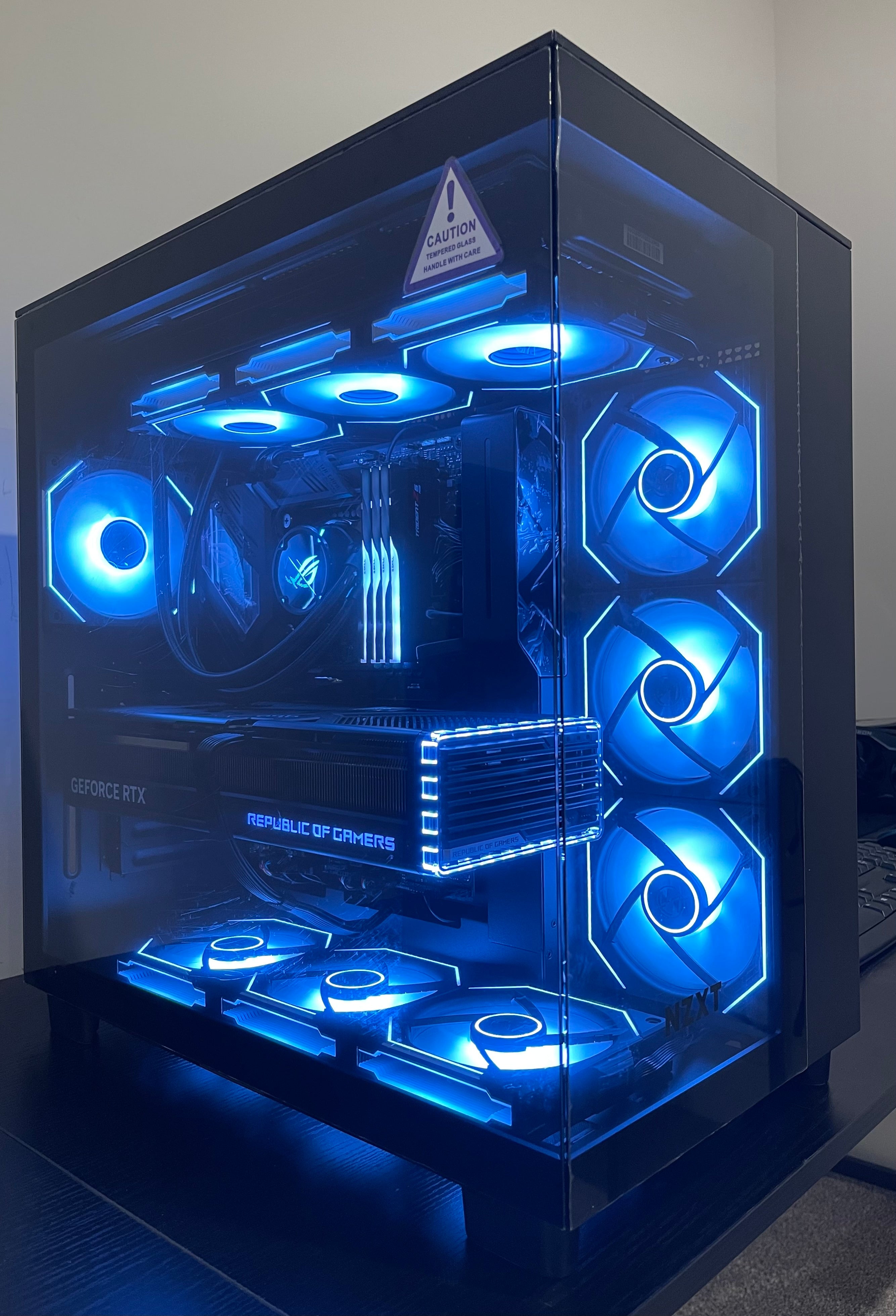

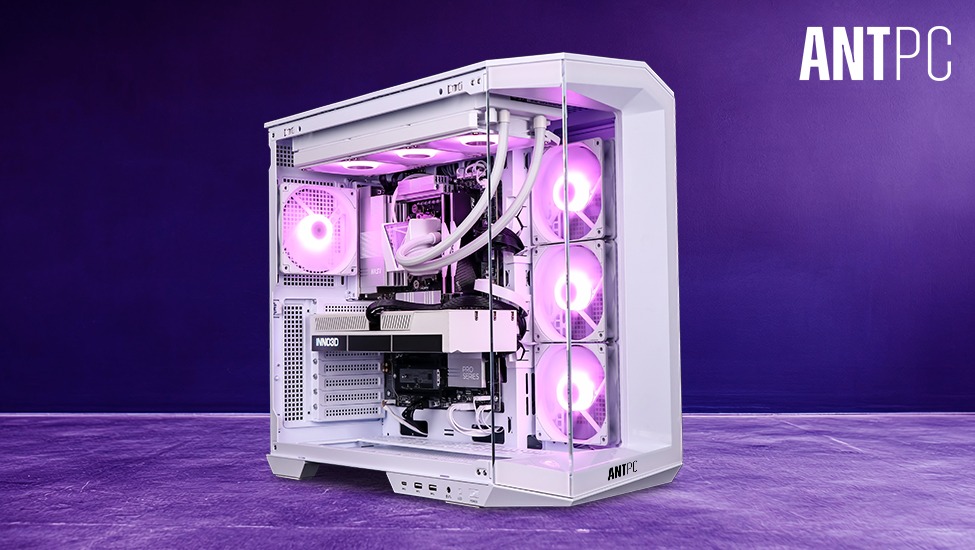

Custom Built Gaming PC Dan S Custom Built Gaming Beasts IMG 8432 . CUSTOM BUILT GAMING PC I9 14900K RTX 4090 64GB DDR5 4TB SSD Z790 WHI 3CFCA891 125F 45F0 B47D . The Best Presidents Day 2026 Gaming PC Laptops And Component Deals . How To Build A Future Proof Gaming PC In 2026 Complete Custom Build Guide 1773043345 . Project Zero Pano Ghost For ARGB PC Displays XOTIC PC Custom Pc
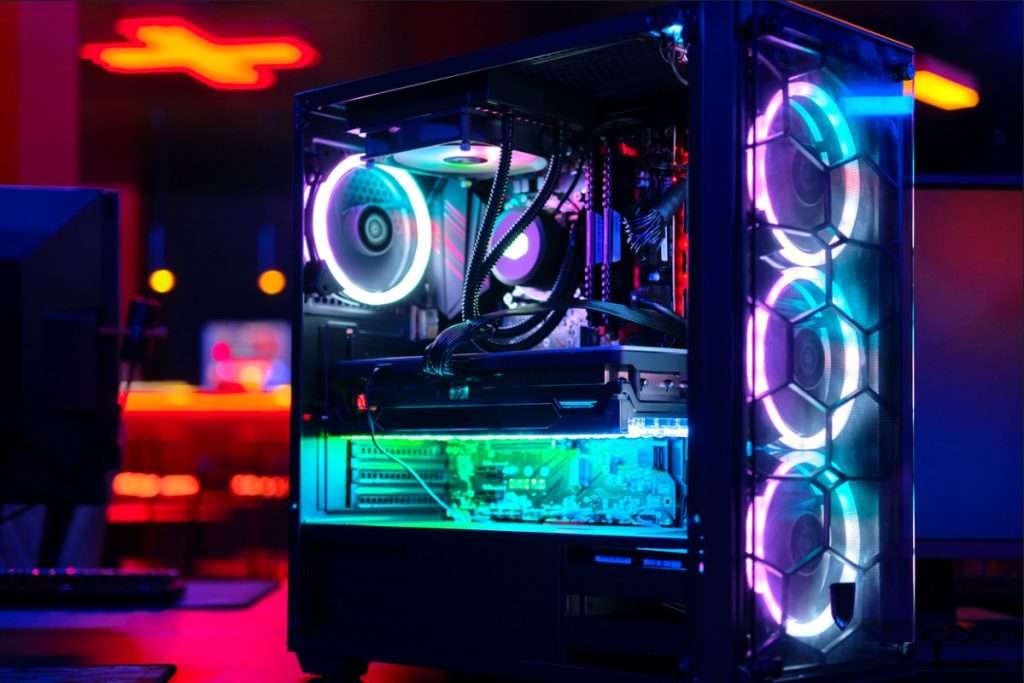
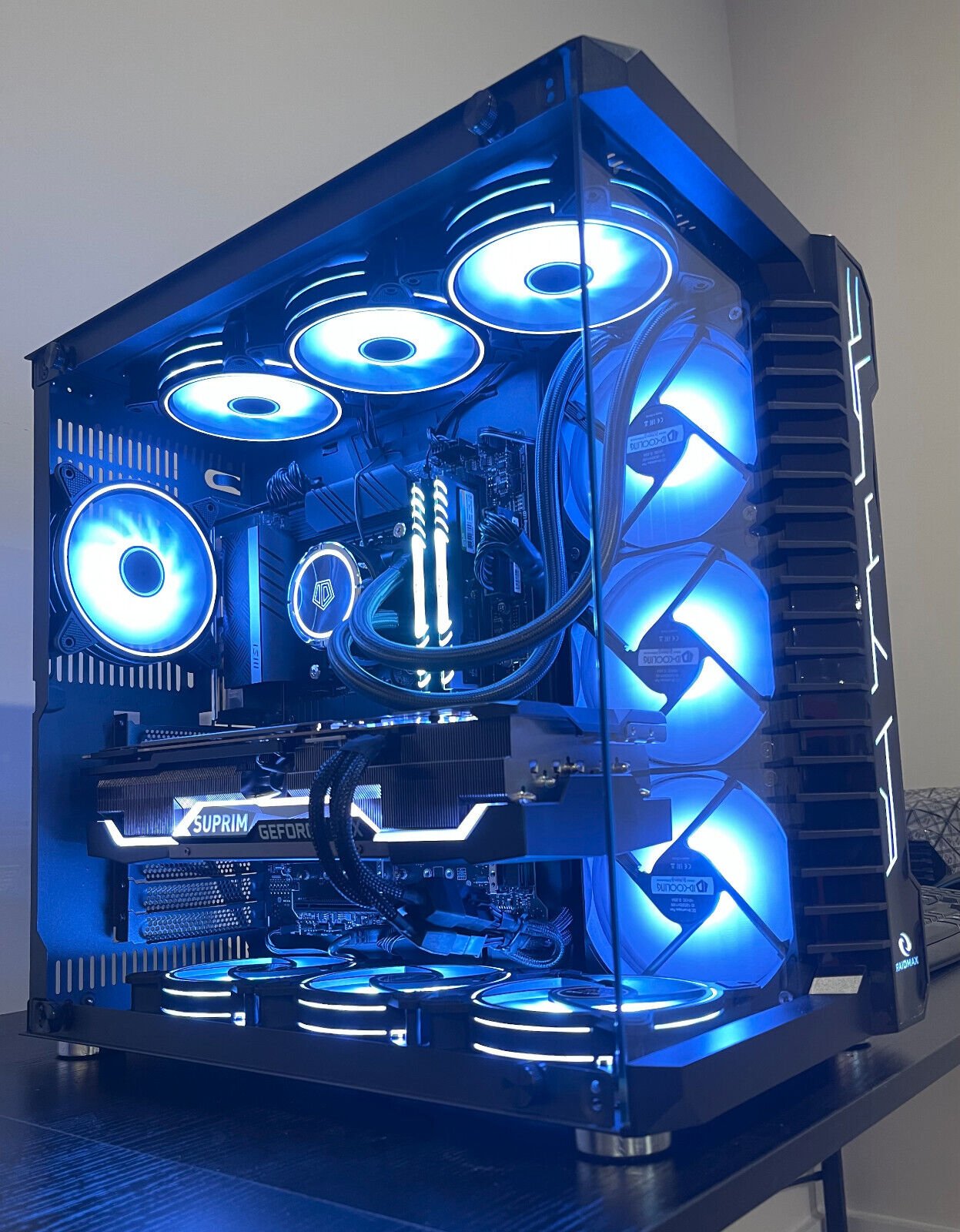
Best PC Builds For Gaming 2026 Ultimate Guide To Building Your Dream Best PC Builds For Gaming 2026 1024x683 . Why Custom Gaming PCs Outperform Pre Built PCs . Velztorm Gemmix Custom Built Gaming Desktop PC AMD Ryzen 7 5700X 8 Velztorm Gemmix Custom Built Gaming Desktop PC AMD Ryzen 7 5700X 8 Core Radeon RX 6900 XT 32GB RAM 2x512GB PCIe SSD RAID 0 1TB Wifi USB 3 2 HDMI Win 9ac78fff F232 46ac B1b0 . Velztorm Braevix Custom Built Gaming Desktop PC AMD Ryzen 9 7900X3D 12 Velztorm Braevix Custom Built Gaming Desktop PC AMD Ryzen 9 7900X3D 12 Core GeForce RTX 3080 Ti 16GB DDR5 4800MHz RAM 1TB PCIe SSD Wifi USB 3 2 HDMI Bcc3fc1c D5cc 434b B901 . 109 Best PC Builds The Top New Gaming Setups Custom PC


Custom PCs For Crypto Gaming AI Workloads In 2026 Digibuggy . Best Compact Gaming Desktop In 2026 Power Gaming PC Guru AC SL1200 . Gaming Desktop PC Guide 2026 Build The Ultimate Gaming Setup 2 2 3 . Desktop Gaming Computer Custom Build At James Sterling Blog Gx13 Intruder Main Shot . Custom Desk Pc Build 38 Erebus X299 And X399 Dual System Desk Build 22223 1920
Velztorm Nix Custom Built Gaming Desktop PC Snow White AMD Ryzen 5 Velztorm Nix Custom Built Gaming Desktop PC Snow White AMD Ryzen 5 5600X 6 Core 64GB RAM 1TB M 2 SATA SSD HDD 3 5 Radeon RX 6800 XT 1xUSB 3 2 3xUSB 3 C79f5446 Cb3e 41c0 9a6b . Prebuilt Gaming PC Vs Custom Built PC Which Is Better In 2026 Prebuilt Vs Custom Gaming Pc 2026 5a49c66d 398d 40a5 A7f0 . Best Gaming PC 2026 The Ultimate Performance Guide Bliss Lifes Best Gaming Pc 2026 The Ultimate Performance Guide Featured Image 1320x700 . Gaming Desktop PC Guide 2026 Build The Ultimate Gaming Setup 3D5 002N 00085 01 . Ryzen 9800X3D Vs Intel Core Ultra 9 Which CPU For Gaming In 2026 Custom Built Gaming Computer Canada Why Pre Built Falls Short For Serious Gamers

Velztorm Lux Lyte Custom Built Gaming Desktop PC AMD Ryzen 9 5900X Velztorm Lux Lyte Custom Built Gaming Desktop PC AMD Ryzen 9 5900X 12 Core GeForce RTX 4090 24GB 128GB RAM 8TB PCIe SSD Wifi USB 3 2 HDMI Bluetooth W 4186c507 5ebe 4e74 A007 . One Moment Please Best Gaming Pc For Under 500 Dollars Featured 800x500 . Pc Build For Pc Gaming At Eric Montez Blog 154208 1920 . Dan S Custom Built Gaming Beasts IMG 0040 D3a71dc8 C608 4f88 A914 . Case Modding Panorama 360 Build HPNY 2026 1754 Dsc03332